
Production-ready
React components.
Save hours building complex layouts with production-ready, interactive UI blocks. Fully responsive & customizable. Zero extra dependencies. Drop the file in, import the component, add your data. That's it!
ReactNext.jsTypeScriptTailwindCSS
Scroll Timeline
An animated timeline for workflow sections.
Variant
Colors
Beam
Marker
Add the file
Add the file
Drop Timeline.tsx into your project and import it where needed.Set up your data
Set up your data
Create an array of steps. Each step needs a 'title' and 'content' property. When using the icon variant, add an 'icon' property too.Pick your colors
Pick your colors
Pass colors via accentColor (beam + fallback marker) and markerColor props.You're all set
You're all set
That's it! If you need further customization check the README.md guide.
Example Usage:
import { Timeline } from "@/components/Timeline";

const steps = [
  { title: "Discovery", content: <p>Research phase.</p> },
  { title: "Design", content: <p>Wireframes first.</p> },
  { title: "Launch", content: <p>Ship it.</p> },
];

export default function MyPage() {
  return (
    <Timeline
      data={steps}
      accentColor="#a78bfa"
      markerColor="#c9a43d"
      className="py-24 px-4"
    />
  );
}
iOS Mockup
An iPhone shell for mobile UI previews.



Snap Carousel
Swipe to explore
Native scroll-snap delivers hardware-accelerated swiping on touch and arrow navigation on desktop — zero dependencies.
Example Usage:
import { useState } from "react";
import IPhoneMockup from "@/components/IPhoneMockup";

const slides = [
  {
    image: "/image-1.webp",
    alt: "alt text here",
    title: "Your title here",
    description: "Your description here.",
  },
  {
    image: "/image-2",
    alt: "alt text here",
    title: "Your title here",
    description: "Your description here.",
  },
  {
    image: "/image-3",
    alt: "alt text here",
    title: "Your title here",
    description: "Your description here.",
  },
];

export default function MyPage() {
  const [activeSlide, setActiveSlide] = useState(0);
  const { title, description } = slides[activeSlide];

  return (
    <>
      <IPhoneMockup
        slides={slides}
        theme="dark"
        autoPlay
        onSlideChange={setActiveSlide}
        className="my-8"
        sizeClassName="w-65 sm:w-75 aspect-10.5/19"
      />
      <h2>{title}</h2>
      <p>{description}</p>
    </>
  );
}
Browser Mockup
A macOS-style browser frame for desktop UI.
github.com

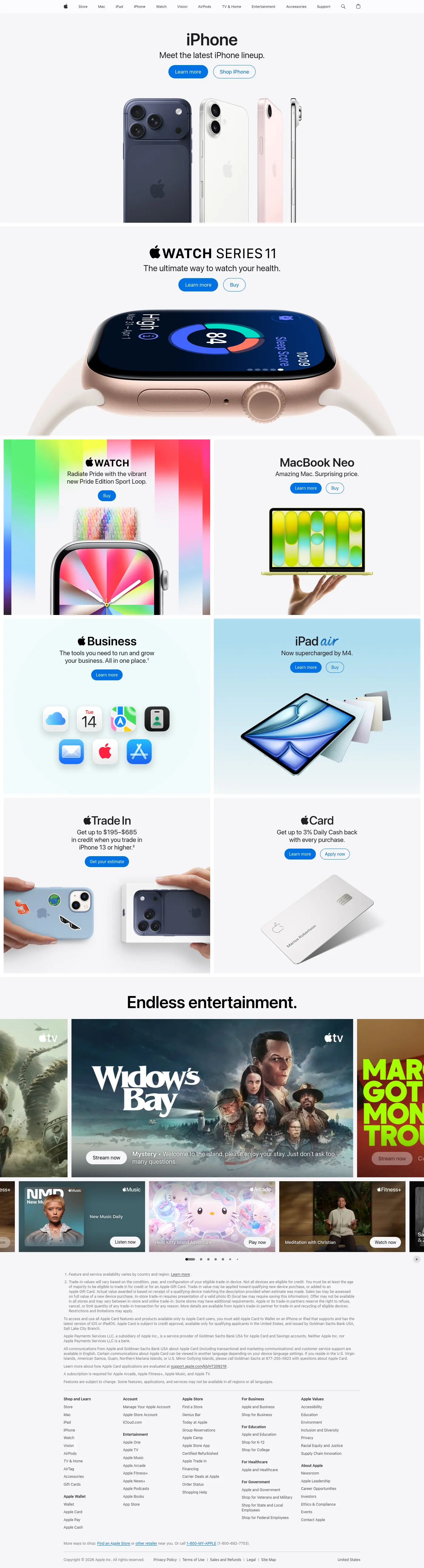

Example Usage:
import MacMockup from "@/components/MacMockup";

export default function MyPage() {
  return (
    <MacMockup
      slides={[
        { image: "/screen1.png", alt: "alt text", url: "yoursite.com" },
        { image: "/screen2.png", alt: "alt text", url: "yoursite.com" },
        { image: "/screen3.png", alt: "alt text", url: "yoursite.com" },
      ]}
      className="mx-auto my-12"
      frameClassName="w-96 h-64"
      paginationDotColor="#6366f1"
      inactiveDotColor="rgba(99,102,241,0.3)"
    />
  );
}